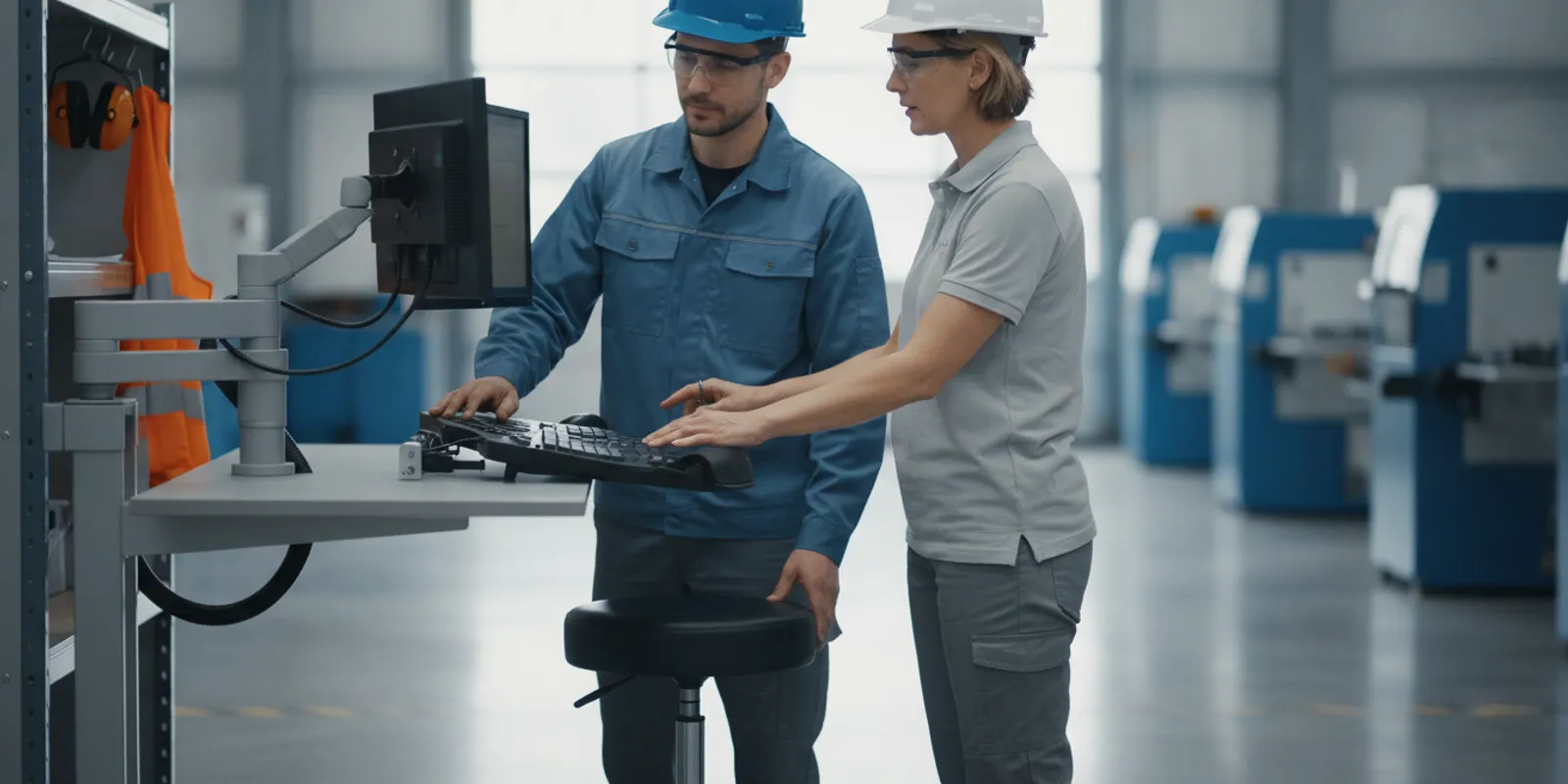
A workplace ergonomics program gives employers a practical way to find tasks that may strain workers and improve how those tasks are performed. It is not limited to office chairs. Industrial, construction-support, transportation, and multi-site employers can use the same basic process to review job demands, hear from workers, select feasible controls, and check whether those controls are working.
Talk with our team about workforce safety support
What should a workplace ergonomics program do?
An ergonomics program is a repeatable process for identifying work conditions that may contribute to discomfort or musculoskeletal strain and then addressing them. It connects hazard identification with practical changes to equipment, task design, work methods, and training. A written document can help organize the work, but a program only matters when employees and supervisors use it.
Ergonomic concerns can arise when a job repeatedly involves force, awkward or sustained postures, repetition, vibration, contact stress, or long periods without a meaningful change in activity. The relevant combination depends on the task, its duration, the tools used, and the worker’s ability to perform it comfortably. A concern is a reason to look more closely, not a diagnosis or proof that a specific task caused an injury.
NIOSH describes ergonomics programs as a way to identify and correct ergonomic deficiencies in different workplace settings. Its Elements of Ergonomics Programs guide can help employers structure a program around workplace needs. Employers can also review NIOSH information about ergonomics and work-related musculoskeletal conditions for background on common risk factors.
The goal is to make the work fit the people doing it as well as reasonably possible. An employer should not promise that a program will prevent every injury. Instead, establish a consistent way to surface concerns, decide what to change, document actions, and revisit the results.
How should employers set up the program?
Start with a clear scope and named responsibilities. Decide which locations, jobs, shifts, and worker groups are included. Identify a program lead who can coordinate reviews, but do not make that person the only source of information or the only one accountable for follow-through. Supervisors, workers, maintenance staff, safety personnel, and purchasing staff may all have a role.
Write down how a concern can be raised, how it will be reviewed, who approves a change, how urgent issues are handled, and how the employer will verify completion. Keep the process simple enough to use across locations. A small team may track actions in a shared log. A larger or multi-site employer may need consistent forms, ownership fields, and a way to compare issues without losing local context.
Leadership support matters because improvements may require time, equipment, layout changes, or coordination between departments. Supervisors need authority to pause or adjust a task when a concern warrants prompt attention. Employees need to know that reporting discomfort or a difficult task will lead to a review, not blame.
Employers building a broader safety process can connect ergonomics reviews with their existing job hazard analysis process. Keep the focus on actual task demands. An ergonomics review may complement a job hazard analysis, but it should not be treated as a substitute for investigating other safety hazards or following applicable requirements.
How can employers identify tasks that need review?
Use more than one signal. Workers may report recurring discomfort, fatigue, difficulty maintaining a posture, or a task that feels harder at certain points in a shift. Supervisors may notice frequent reaching, forceful handling, repeated bending, awkward tool use, or workarounds. Other useful prompts include maintenance records, incident and near-miss reviews, task observations, workstation assessments, and changes in production or staffing.
Do not wait for a recordable injury before asking whether a task can be improved. At the same time, do not assume every ache has the same cause. Invite a worker to describe what happens during the task, when the difficulty appears, what varies, and what makes the task easier or harder. Use the information to decide whether the job deserves a closer review and whether the worker should seek appropriate medical attention.
Prioritize reviews using transparent criteria. Consider how often the task is performed, how long the exposure lasts, the effort required, the number of employees who do it, the severity of the reported difficulty, and whether a temporary condition or process change has increased demands. The criteria help allocate attention; they should not be used to dismiss a worker’s report.
Observe the work as it is actually done. If possible, review normal and peak conditions, different shifts, and variations in worker height, reach, tools, materials, or pace. Ask workers to explain the sequence rather than relying only on a quick visual impression. A short observation during a quiet period may miss the task’s most demanding part.
How should a task analysis work?
Break the job into steps and record the conditions that matter. Note the task frequency and duration, loads or forces involved, working height, reach distance, grip, posture, tools, floor or surface conditions, and opportunities to change position. Consider whether the worker must move quickly, work in a confined space, reach around an obstruction, or perform the task while wearing required protective equipment.
For office tasks, check chair and desk fit, monitor position, keyboard and mouse reach, document placement, glare, and whether the employee can change posture. Ask about the length of uninterrupted computer work and whether the layout makes routine tasks unnecessarily awkward. A single “ideal” posture is not a substitute for a workstation that can be adjusted and used comfortably.
For field and industrial work, follow the task from setup through completion. Look at materials staging, lifting and carrying, pushing and pulling, tool weight and balance, overhead work, kneeling, vibration, vehicle or cab access, and the available space. A mechanic reaching into a tight service area, a warehouse worker handling cases, and a construction-support worker moving equipment have different task demands. Avoid a one-size-fits-all checklist that obscures those differences.
Ask the employee what changes during the shift. Workload, weather, staffing, material location, deadlines, and equipment condition can all affect how a task is performed. If the job varies by site, compare the variations. A control that works in one location may not fit a different layout or material flow.
How can worker input improve the review?
Worker participation makes a review more accurate and helps identify changes that are practical in real conditions. Explain the purpose before observing. Ask open questions, listen without interrupting, and confirm the details back to the worker. Useful questions include:
- Which part of the task feels most difficult or uncomfortable?
- When does the difficulty usually begin, and does it change during the shift?
- What makes the task easier or harder, such as pace, material location, tool condition, or staffing?
- Have you found a workaround? If so, what problem is it solving?
- What change would make the task easier to do consistently?
Include workers who perform the task regularly, including people on different shifts or at different sites when their work conditions differ. A supervisor’s perspective is valuable, but it cannot replace the experience of the person performing the work. Invite workers to test proposed changes and give feedback before an adjustment is rolled out more broadly.
Protect privacy and handle health information appropriately. Record enough detail to manage the workplace concern, but do not circulate personal medical information as part of a general task log. If a report raises a medical issue, use the employer’s appropriate process for handling it rather than trying to diagnose the worker through an ergonomic review.
Which controls should employers consider?
Look first for ways to change the task or environment so that less strain is required. Engineering and design changes can include adjustable work surfaces, mechanical lifting aids, improved handles, repositioned materials, better tool selection, or a layout that reduces unnecessary carrying and reaching. Administrative changes can include task variation, planned recovery opportunities, clearer work methods, or staffing and scheduling adjustments when appropriate.
Training supports a sound design; it should not be the only response to a task that remains difficult. Telling employees to “lift correctly” does not fix an excessive reach, an unstable load, a poorly designed workstation, or a workflow that requires repeated handling. Personal protective equipment may be necessary for other hazards, but it does not by itself resolve ergonomic demands.
Use the table to structure a discussion, not as a substitute for observing the particular job. The best option depends on the task, available space, equipment, workforce, and applicable safety requirements.
| Work setting or task | What to examine | Potential control to evaluate | How to check it |
|---|---|---|---|
| Office computer work | Reach to keyboard and mouse, monitor height, chair fit, long uninterrupted periods | Adjustable workstation components, repositioned devices, document holder, varied work periods | Ask the employee to complete normal tasks and confirm adjustments remain usable |
| Material handling | Load shape and stability, lift height, carrying distance, frequency, staging | Reposition supplies, use carts or lifting aids, reduce unnecessary handling where feasible | Observe routine and peak handling; ask workers whether the change reduces awkward effort |
| Tool-intensive field work | Tool weight, grip, vibration, overhead reach, access to the work area | Evaluate alternative tools, handles, work positioning, access or material staging | Trial the option under realistic conditions and inspect tool condition and fit |
| Repetitive assembly or processing | Cycle duration, hand force, reach, pace, opportunities to vary activity | Improve part presentation, work height, tool design, or task sequencing | Compare task performance and worker feedback across representative periods |
Before purchasing equipment, confirm that it fits the task and the people who will use it. A device can create a new problem if it is hard to move, blocks an access route, or requires awkward setup. Test changes with the workers who do the work and train them on correct use, inspection, and limitations. For employers coordinating workplace health services, Patriot describes its occupational health services online; determine separately which resources fit your program needs.
How should training and communication work?
Training should explain how to recognize and report a task concern, how to use new equipment, and how to follow work methods designed for that job. Give supervisors additional guidance on receiving reports, arranging reviews, escalating urgent concerns, and closing the loop with employees. Training should be specific to the work rather than a generic presentation that assumes every job involves the same movements.
Use more than one format when appropriate. A demonstration, hands-on practice, short written instructions, and an on-the-job conversation can reinforce one another. Provide information in a language and format workers can understand. When a process or workstation changes, update instructions and explain why the change was made.
Tell employees what happened after they report an issue. If an immediate change is not feasible, explain what interim steps are being considered, who owns the next action, and when the review will be revisited. Silence can make a reporting process look ineffective, even when a concern is still being assessed.
How can employers measure the program?
Track both activity and outcomes. Activity measures show whether the program is being used; outcome measures help indicate whether conditions may be changing. No single measure establishes that an ergonomics program caused a result. Review patterns over time, consider changes in work volume and reporting practices, and use worker feedback to interpret the numbers.
- Coverage: jobs, shifts, and locations reviewed, including higher-demand or changing tasks.
- Response: concerns received, time to initial review, and whether the worker received a follow-up.
- Actions: controls approved, completed, delayed, or still being evaluated, with an assigned owner.
- Verification: follow-up observations, equipment checks, and worker feedback after a change.
- Trends: relevant discomfort reports, work restrictions, incident information, or other measures the employer already tracks, handled with appropriate privacy.
Review the measures on a regular schedule and after meaningful changes such as new equipment, altered production, facility moves, or a different workforce. If an action remains open, identify the barrier and decide whether an interim control or different solution is needed. Document what was learned, not just whether a form was completed.
Multi-site employers should define a common minimum process while allowing local teams to address different layouts and tasks. Compare sites carefully: a rise in reports may reflect improved reporting rather than worsening conditions, while low reporting alone does not prove that work is comfortable. Use consistent definitions and ask local workers and supervisors to explain the context.
What should employers compare when choosing a program approach?
Employers can manage reviews internally, bring in qualified support for particular assessments, or combine the two approaches. The right model depends on task complexity, workforce size, available expertise, and the ability to follow through on controls. Regardless of who assists, the employer should maintain ownership of the process and ensure that observations reflect actual work.
When comparing options, ask how the approach will gather worker input, account for field and office tasks, prioritize findings, recommend feasible controls, protect sensitive information, and verify changes. Ask who will receive the findings and who is responsible for each action. If several locations are involved, clarify how the process will stay consistent while accommodating local conditions.
For a wider picture of the types of work involved, employers can review Patriot’s overview of the industries it serves. This can help frame a conversation about operational context, but each employer still needs to evaluate its own tasks, workers, and hazards.
Contact Patriot to discuss your workforce safety needs
Frequently asked questions
Does an ergonomics program apply only to office employees?
No. Office computer work is one setting, but ergonomics reviews can also address material handling, tool use, vehicle access, repetitive processing, and other tasks in industrial or field environments. The review should reflect the actual job rather than assume that one checklist applies everywhere.
Should an employer wait for an injury report before reviewing a task?
No. Employee feedback, observations, near misses, process changes, and difficult workarounds can all signal that a task deserves attention. Early review can help an employer consider practical improvements before a concern becomes more serious, without assuming that every concern has the same cause.
Is training enough to address ergonomic risk?
Not always. Training is useful when it helps employees understand a process or use equipment, but it cannot compensate for every problem in task design, layout, tools, or workload. Evaluate whether the work itself can be changed, then use training to support the selected controls.
How often should employers review the program?
Set a regular review schedule and revisit the program when tasks, equipment, facilities, staffing, or work methods change. Also follow up after implementing a control to learn whether it is being used and whether workers consider it effective. The schedule should suit the pace and complexity of the employer’s operations.
A useful workplace ergonomics program makes it easier for employees to raise concerns and for employers to turn those concerns into thoughtful, documented improvements. Start with the tasks that matter most, involve the people who perform them, and keep checking whether changes work in practice.